

Last verified: 2 November 2026. The six centres below were re-checked against their live listings on this date.
For a technology team entering Singapore, the office decision starts with how the team will work. A regional lead, an IT lead, procurement and finance each need a different answer from the same suite, and a team bringing equipment into the premises needs more than an attractive address. This guide gives a practical way to compare serviced and managed offices, with six listed centres as a starting set.
For the wider market, see our Singapore enterprise serviced-office guide. If you are evaluating a conventional floor instead, use our office-building guide for AI and technology companies.
At a glance
| Decision | What to ask the operator | Section |
|---|---|---|
| What the team needs on day one | Written operating brief: users, privacy, equipment, growth | Start with an operating brief |
| Network | Shared or dedicated, committed capacity, VPN support, fault escalation, lead time and cost of change | Check the network with your IT team |
| Equipment kept on site | Written permission, power, cooling, access, charges | Separate office work from equipment requirements |
| Location | Which centre fits the team's travel pattern and visitors | Six locations to investigate |
| Total cost | Recurring fee split from installation, connectivity, storage, access and other services | Compare the whole proposal |
| Growth | The contractual mechanism for more space, not a conversation about it | Compare the whole proposal |
| Handover | Acceptance test of access, connection, equipment and support | Make handover an acceptance check |
Start with an operating brief
Before requesting a shortlist, write down the work the Singapore team needs to carry out. Separate requirements that must be met before occupation from preferences you can trade against location or cost.
| Team requirement | What to put in the brief |
|---|---|
| Regional leadership and customer teams | Private space, visitor arrangements, presentation facilities and access for colleagues arriving from other time zones |
| Product and engineering teams | Concurrent users, video-call demand, permitted network equipment and access to the systems used by the team |
| Work involving confidential information | Physical access controls, screen privacy, network separation and the organisation's security-review process |
| Equipment kept on site | Device list, electrical demand, cooling requirements, storage needs and installation permissions |
| Headcount growth | Opening team size, expected additions, preferred seating layout and the point at which a second suite would be needed |
Give the same brief to each operator. That makes the responses easier to compare and helps expose exclusions before a viewing.
Check the network with your IT team
Ask for a written description of the proposed connection. Establish whether the service is shared, what capacity is committed to your suite, and whether a dedicated connection or separate network can be provided. Request the installation lead time, setup charge and recurring fee for any change.
Your IT team should also ask who administers the connection, what equipment you may install, whether the proposed setup supports your corporate VPN, and how faults are escalated. If resilience is essential, ask for evidence of the backup arrangement and test procedure. Two service names on a brochure are not evidence of independent physical routes.
For teams using cloud applications, agree an acceptance test based on the applications and concurrent users that matter to your business. Record the test result and any unresolved issue before accepting the suite.
Separate office work from equipment requirements
Do not treat a serviced office as approved space for high-power computing equipment. If you intend to bring servers, specialist workstations or other equipment into the premises, give the operator the specifications and obtain written permission for the proposed installation.
Ask who must approve the electrical load, heat output and operating hours. Establish whether cooling runs when the team needs it and what additional charges apply. A listing that mentions a server room does not establish that your equipment is permitted, that capacity is reserved, or that the cooling and power arrangements meet your requirements.
Resolve those points with the operator and your technical team before signing. If the suite cannot support them, change the shortlist rather than relying on an assumption that the facilities can be upgraded later.
Six locations to investigate
These are existing listings on Find Your Next Office, last verified on 2 November 2026. They are a starting set to compare, not a ranking and not a certification of technical suitability. The checks under each centre are questions to resolve for the offered suite; they are not claims that an operator has a deficiency. A live listing does not show that a suitable suite is vacant on your start date: ask for a current proposal naming the actual suite, permitted occupancy, specification and handover date.
The Work Project at Capital Tower, Tanjong Pagar
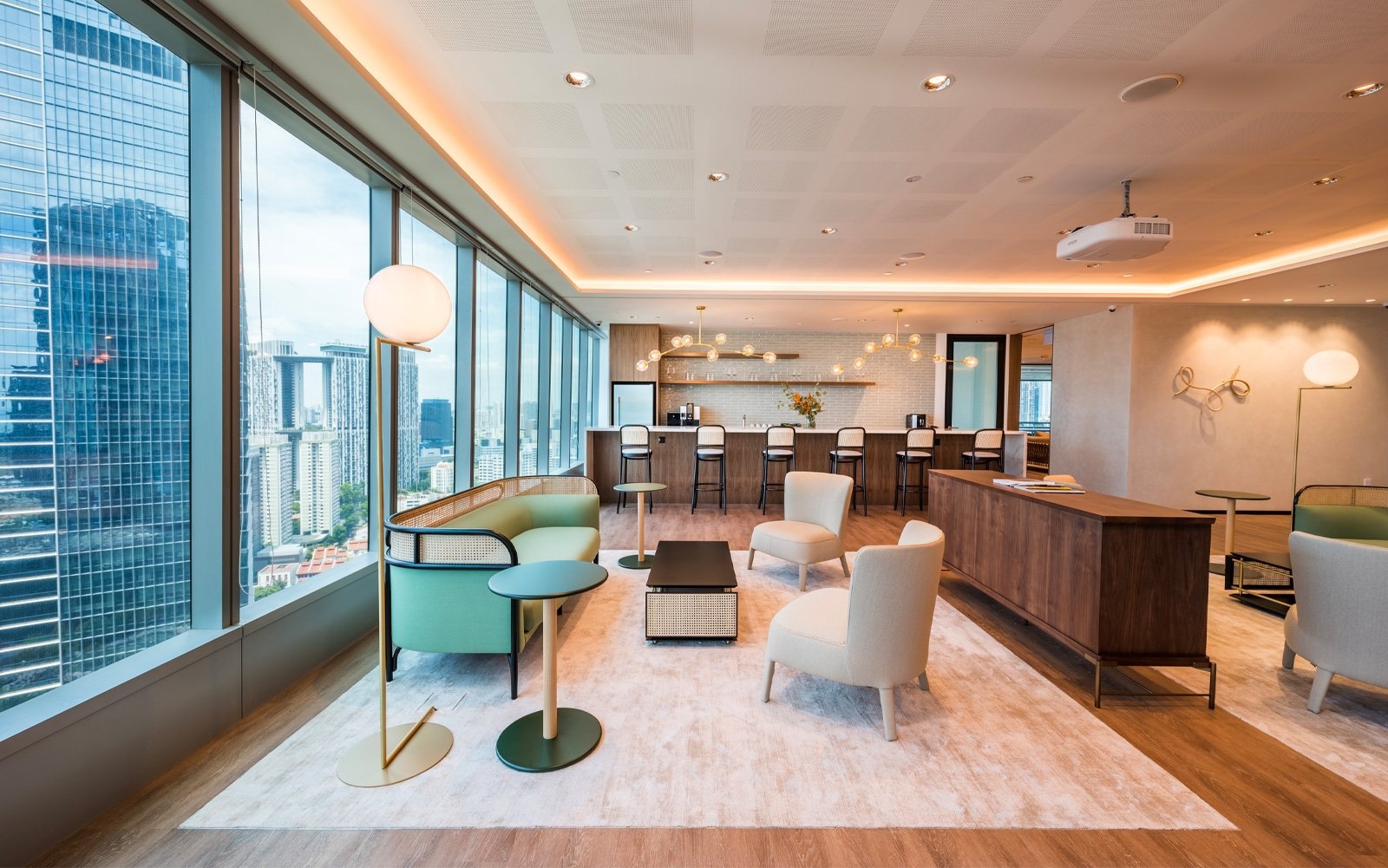
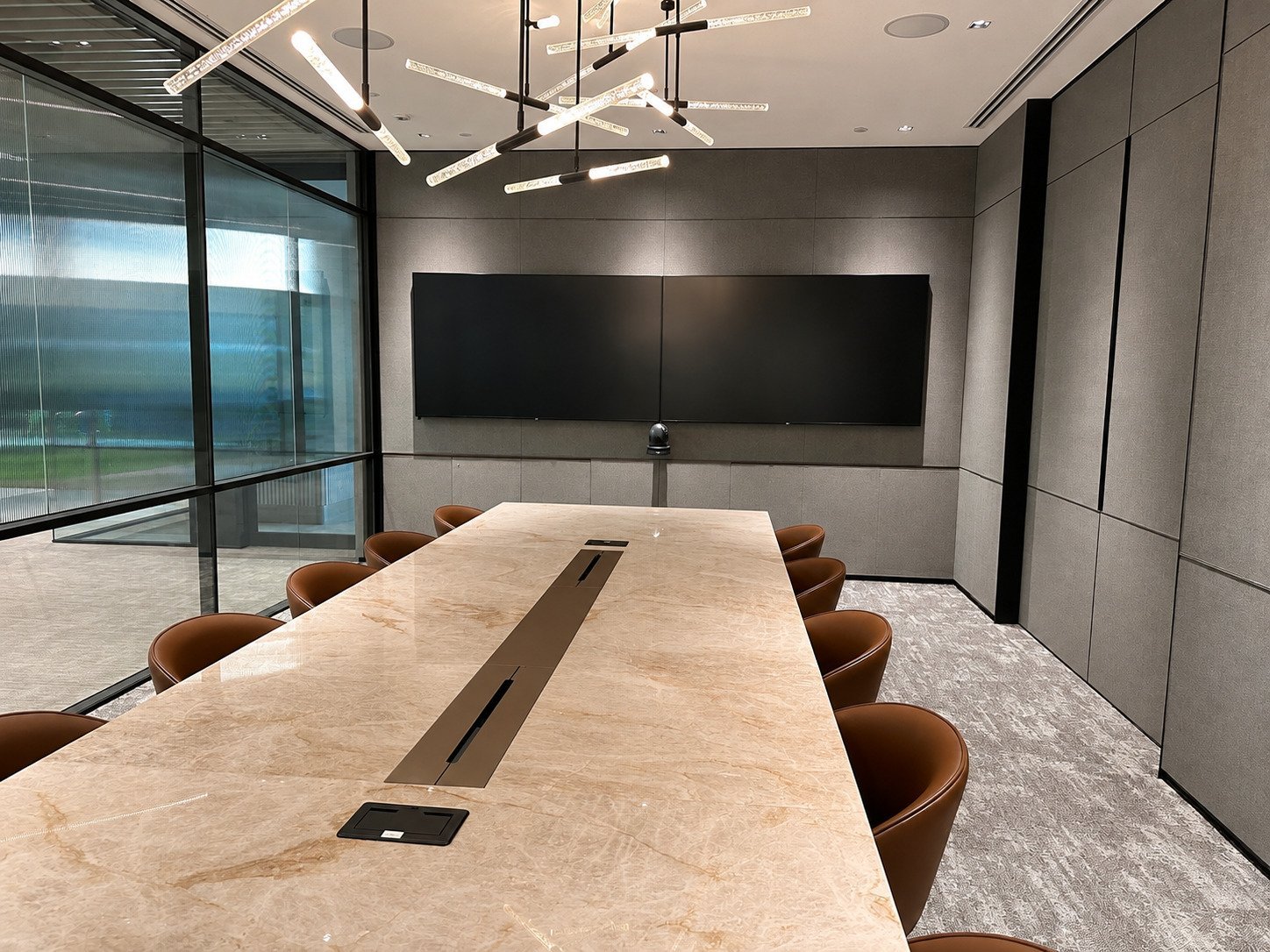
168 Robinson Road. According to the listing, The Work Project occupies Levels 20, 19 and 12 of Capital Tower, a Grade A tower on Robinson Road, with a design-led workspace. It is a candidate for a team that wants a Tanjong Pagar address and private suites. See the listing.
- Can the suite offered meet your network, privacy and opening-headcount requirements?
- Which floor would your team be on, and how do visitors and out-of-hours access work?
Bridge+ at CapitaSky, Tanjong Pagar
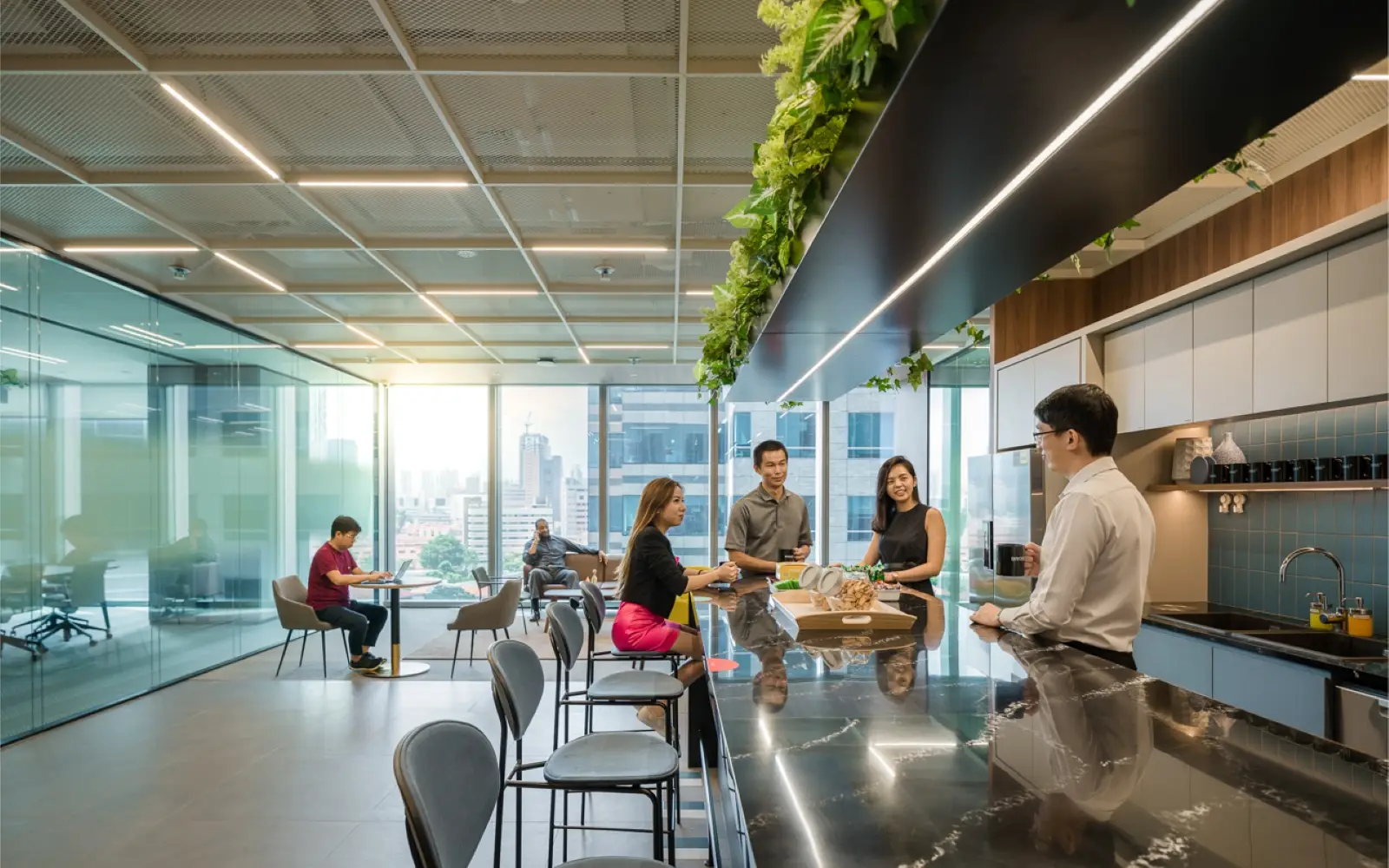
79 Robinson Road. The listing places Bridge+ on Levels 2, 6 and 7 of CapitaSky and describes private suites, with the building near Tanjong Pagar MRT. The listing offers private suites for teams of different sizes, so check how growth would be handled in the agreement. See the listing.
- What expansion options can be included in the agreement, and what would trigger a move?
- Are the floors you would occupy together, and what is the access arrangement between them?
The Executive Centre at Frasers Tower, Cecil Street
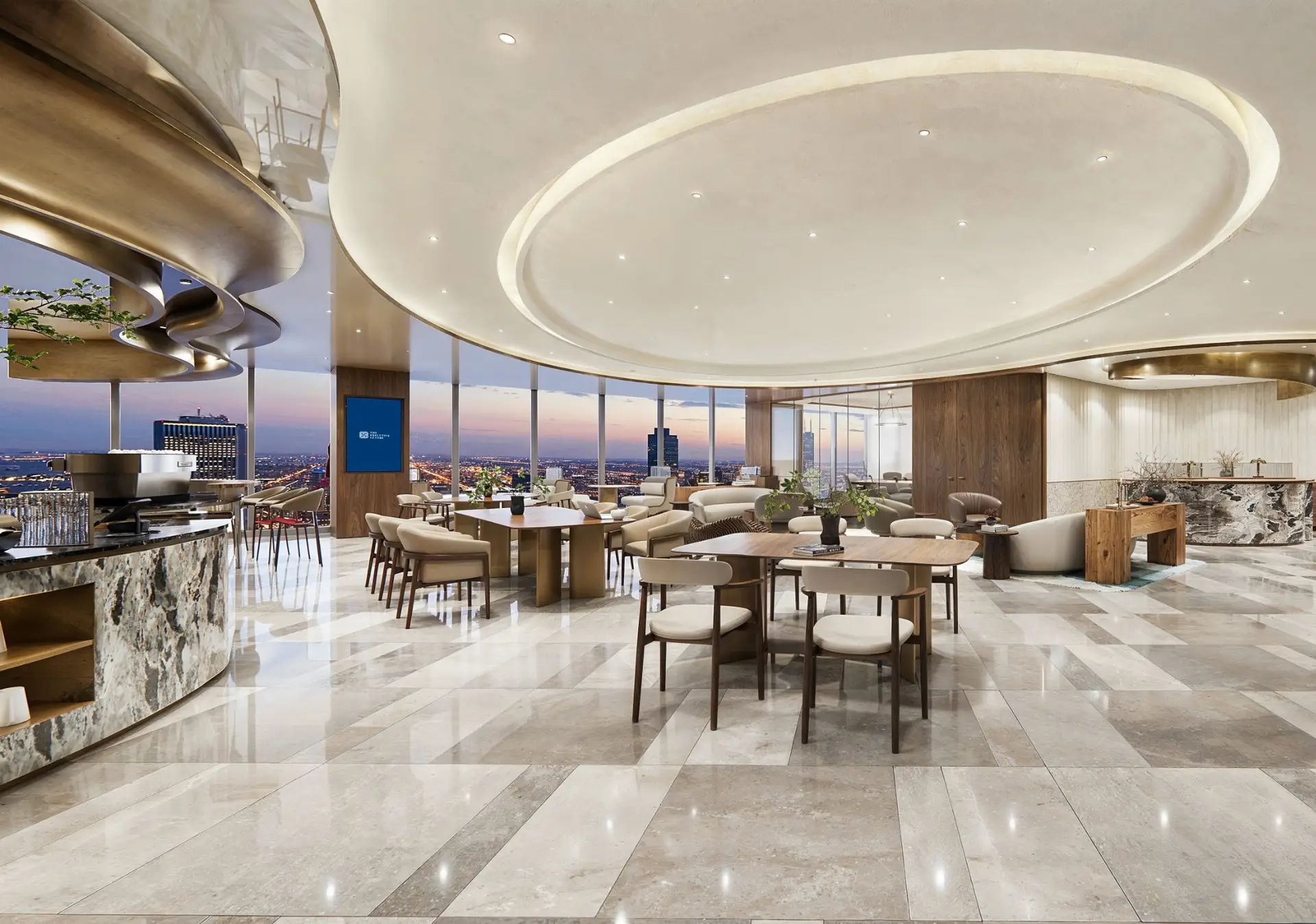
182 Cecil Street. The listing describes The Executive Centre across Levels 17 and 34 with more than 40,000 sq ft of workspace, and gives the walk to Tanjong Pagar MRT as about two minutes. The listing states a large footprint, which is worth testing against how many visitors and regional colleagues you expect. See the listing.
- What are the procedures for visitor access, out-of-hours support and network faults?
- Which of the two levels would the proposed suite be on, and do the meeting and presentation arrangements suit your visitors?
Bridge+ at Ascent, Singapore Science Park

2 Science Park Drive. The listing places Bridge+ at unit #01-08 within Singapore Science Park 1, in the one-north precinct. It is the one centre here outside the central business district, so it suits a team whose people, partners or research connections are already in that area. See the listing.
- Does this location suit the team's actual travel pattern, including the trip to the central business district?
- Is the equipment you plan to bring permitted in this unit?
The Work Project at Asia Square Tower 2, Marina Bay

12 Marina View. The listing places The Work Project on Levels 10 and 11 of Asia Square Tower 2, in Marina Bay. It is the Marina Bay option in this set, for a team that wants a Marina Bay address. See the listing.
- Can the operator provide the private layout and access arrangements required for visiting regional colleagues?
- How does the connection into this building compare with the Capital Tower centre of the same operator?
Network Hub at Guoco Midtown, Beach Road
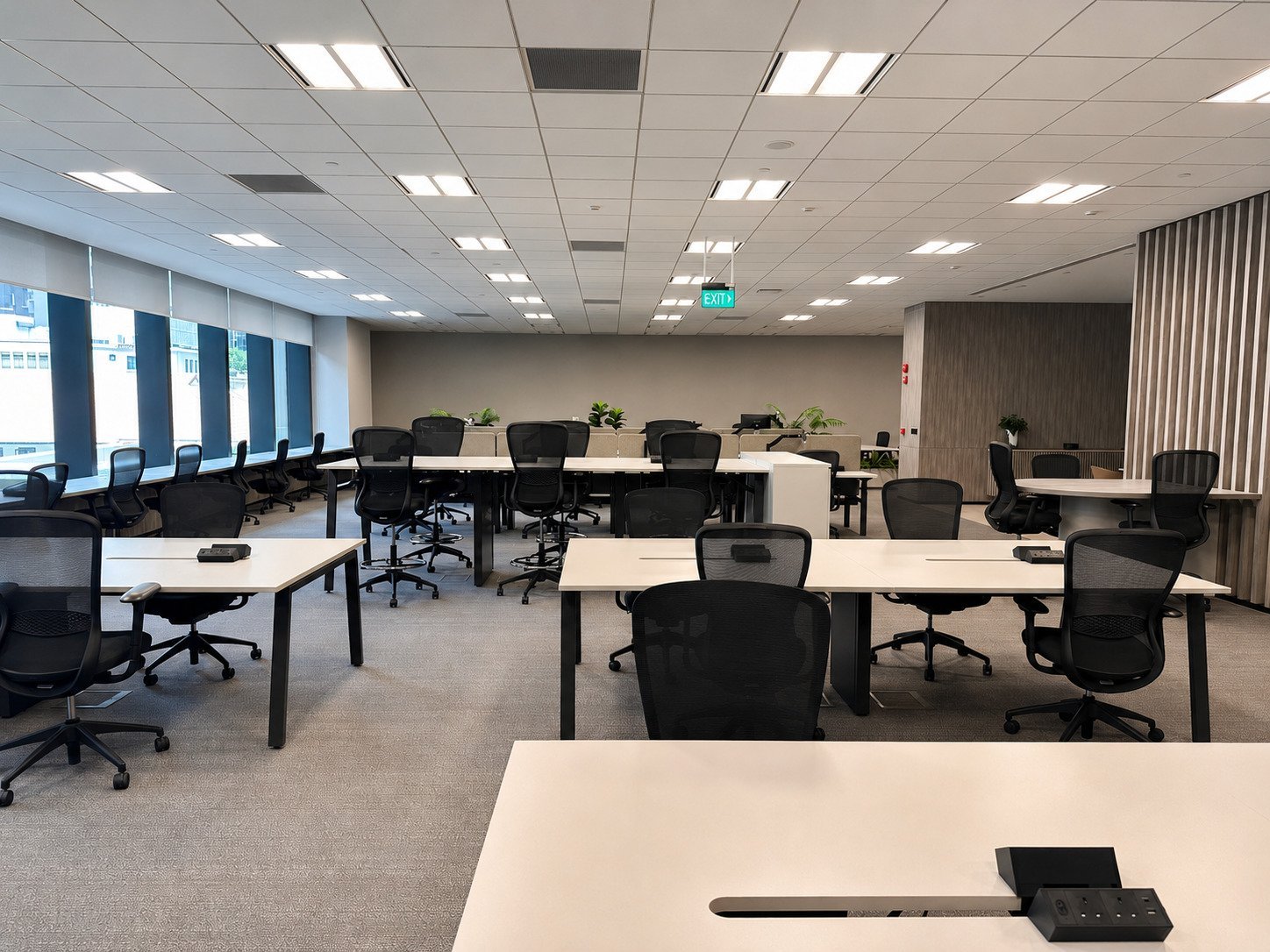
128 Beach Road. The listing describes Network Hub as a fully managed office in the Bugis and Beach Road area, with a fitted private suite and shared amenities within the Guoco Midtown development. It is the managed-suite option in this set, for a team that prefers a managed suite to a coworking-style floor. See the listing.
- What is included in the managed-suite proposal, and which technical changes need separate approval?
- What is the lead time to a suite of your size, and who controls changes to the fit-out?
Compare the whole proposal
Avoid selecting a suite from a headline rate alone. Ask each operator to separate the recurring office fee from installation, connectivity, equipment storage, additional access, presentation-facility usage and other chargeable services relevant to your team.
Keep refundable deposits separate from operating costs. Record the contract period, tax treatment shown in the quotation, renewal process, notice requirements and any exit or handback charges. Where an item is unquoted, leave it marked "to confirm" rather than treating it as zero.
For growth, request the actual mechanism: an option on adjacent space, a move to another suite, or a new quotation when space becomes available. A conversation about future capacity is not the same as a contractual right to it.
Make handover an acceptance check
Before occupation, walk through the agreed layout and test the items that affect the first working day. Check access credentials, the agreed connection, permitted equipment and the support contact. Record defects and the agreed resolution date.
Keep one decision sheet containing the suite proposal, technical answers, cost breakdown and unresolved conditions. Procurement, IT and the local team should approve the same version. That is more useful than comparing several brochures that describe different assumptions.
Common questions
Can an AI company use a serviced office?
It depends on the work and the suite. Compare the proposed office with your privacy, connectivity, access and equipment requirements. The company's industry label alone does not establish suitability.
Does a server-room feature mean we can install our own servers?
No. Ask for written confirmation of permission, reserved capacity, power, cooling, access and charges for your equipment. Have your technical team review the answer.
Can we increase the team size during the agreement?
Ask the operator to specify what can change, when, at what cost and subject to which space being vacant. Confirm the arrangement in the agreement rather than relying on general growth language.
How should we compare a serviced suite with a conventional office?
Use the same headcount, term and technical brief. Compare the quoted costs and responsibilities for each option, including items still awaiting a quotation. A lower headline fee is not enough to establish a lower total cost.
Request an office shortlist
Tell Find Your Next Office what you need and we can help compare listed locations and request current suite proposals for your enterprise team:
- opening headcount and expected growth
- preferred start date
- working pattern and visitor needs
- essential IT requirements and any equipment to be kept on site